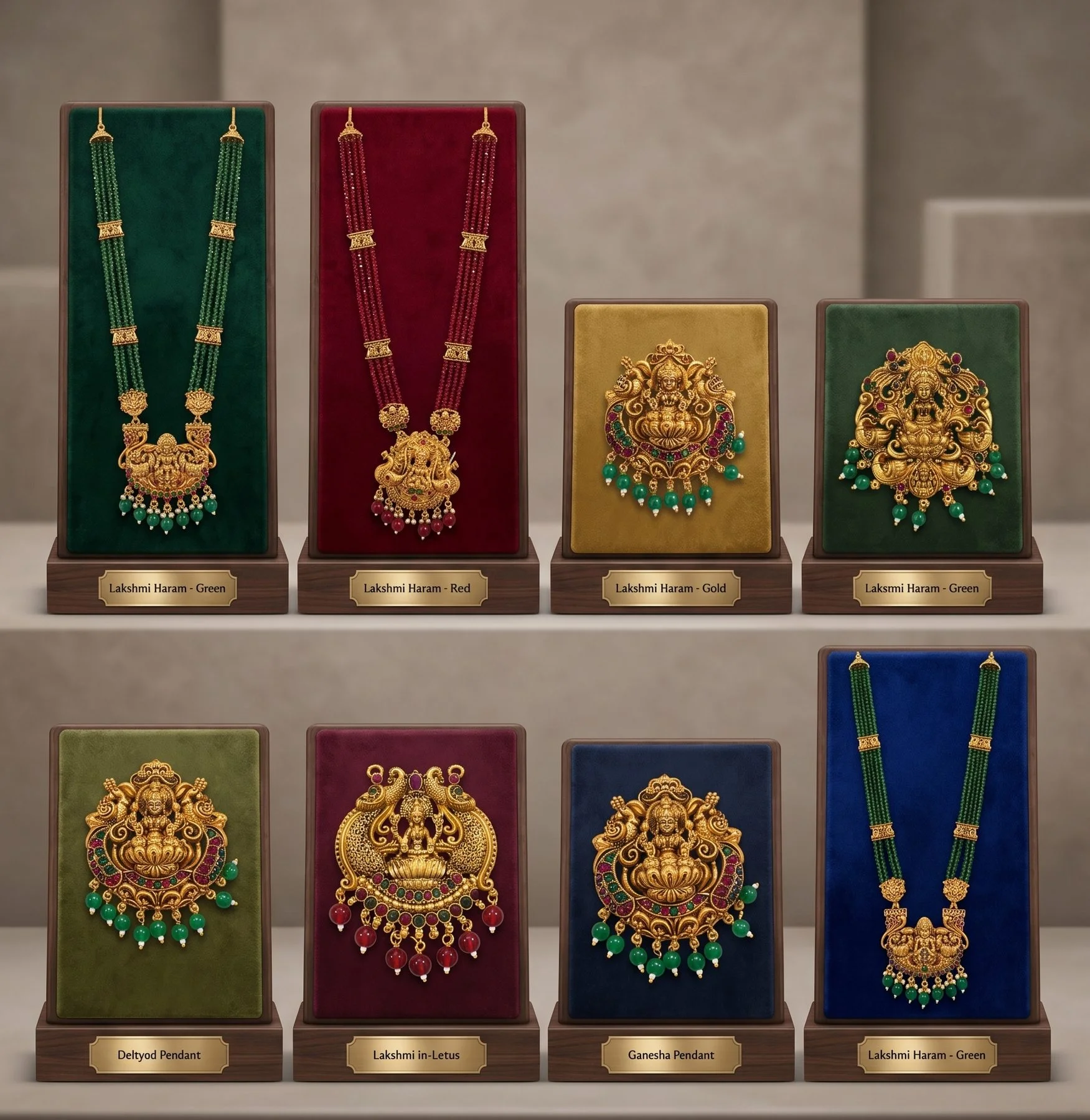
WhatsApp is how much of India's jewellery trade actually happens. A well-organised WhatsApp Business catalogue lets retailers browse your range, ask for prices and order without waiting for a visit.
Set up WhatsApp Business
Use a business account with your business name, address, hours and a short description. Add a catalogue with products or collections.
Taking orders
Ask retailers to order using design codes. Confirm orders in writing with quantities, prices and delivery dates, and save confirmed orders and delivery details in a log, spreadsheet or your accounting system, not only in chats. Clean order records prevent misunderstandings and make re-orders easy.
Common mistakes
Sending too many broadcast messages, keeping outdated designs, and using photos without codes.
An example
A distributor updates its WhatsApp catalogue monthly with new temple and Kundan designs from its manufacturer, sends a short broadcast to 150 retailers, and receives most re-orders by message between visits.
See our factory direct catalogue and wholesale catalogues explained.
Privacy and professionalism
Use a business number separate from your personal one. Set business hours and an away message. Avoid sending retail prices to trade customers or trade prices to consumers by mistake; separate broadcast lists help.
Linking to your website
If you have a website catalogue, link to it from WhatsApp for customers who want to browse more.
Training staff
If several staff use the business account, agree on reply style, pricing rules and order confirmation steps.
Setting up the catalogue well
- One item per design, with the design code in the title, for example "JH-12 Temple jhumka, antique gold".
- Clear photos on a plain background, plus one worn photo where possible.
- Price or price on request, depending on whether you share prices with all retailers.
- Short description: size, finish, stones, MOQ.
- Collections by category and season, so retailers can browse quickly.
Broadcast lists and good practice
WhatsApp broadcast lists reach only contacts who have saved your number, which keeps messages to people who know you. Send useful updates, such as new arrivals, seasonal collections and restocks, not constant promotions. Respect opt-outs, and keep customer data private, in line with India's data protection law.
Linking retailer orders to factory orders
Keep your WhatsApp catalogue codes mapped to your manufacturer's design codes. When retailers' orders for a design add up to a factory MOQ, place the factory order with the exact codes, finish and colours, so the goods match what retailers saw.
Status updates and stories
WhatsApp Status is a simple way to show new arrivals and restocks to everyone who has saved your number, without sending messages. Post one or two updates a day during busy seasons, with the design code and a line of description. Retailers often reply directly to a status to place an order.
Keeping the catalogue current
Remove discontinued designs promptly and mark items that are made to order with their lead time. Retailers who order from an out-of-date catalogue and are told the design is unavailable lose confidence quickly.
Backing up
Export or save your catalogue photos and codes regularly, so a lost phone does not mean a lost catalogue.